This month’s wrap-up of product updates includes changes to the update field and archive contact journey actions, new options for some of our data sources, and a better capture experience for customers with an SPA.
See the highlights below, and visit our changelog for a complete list of updates, improvements, and bug fixes.
CDP — when importing a CSV file, you can now choose only to update existing records and not create any new contacts.
Capture — we have improved how capture widgets work on single-page applications (SPA). Now, when your customers change pages in your SPA, all currently open capture widgets will be closed without triggering a ‘widget dismissed’ event and then re-loaded in the appropriate order.
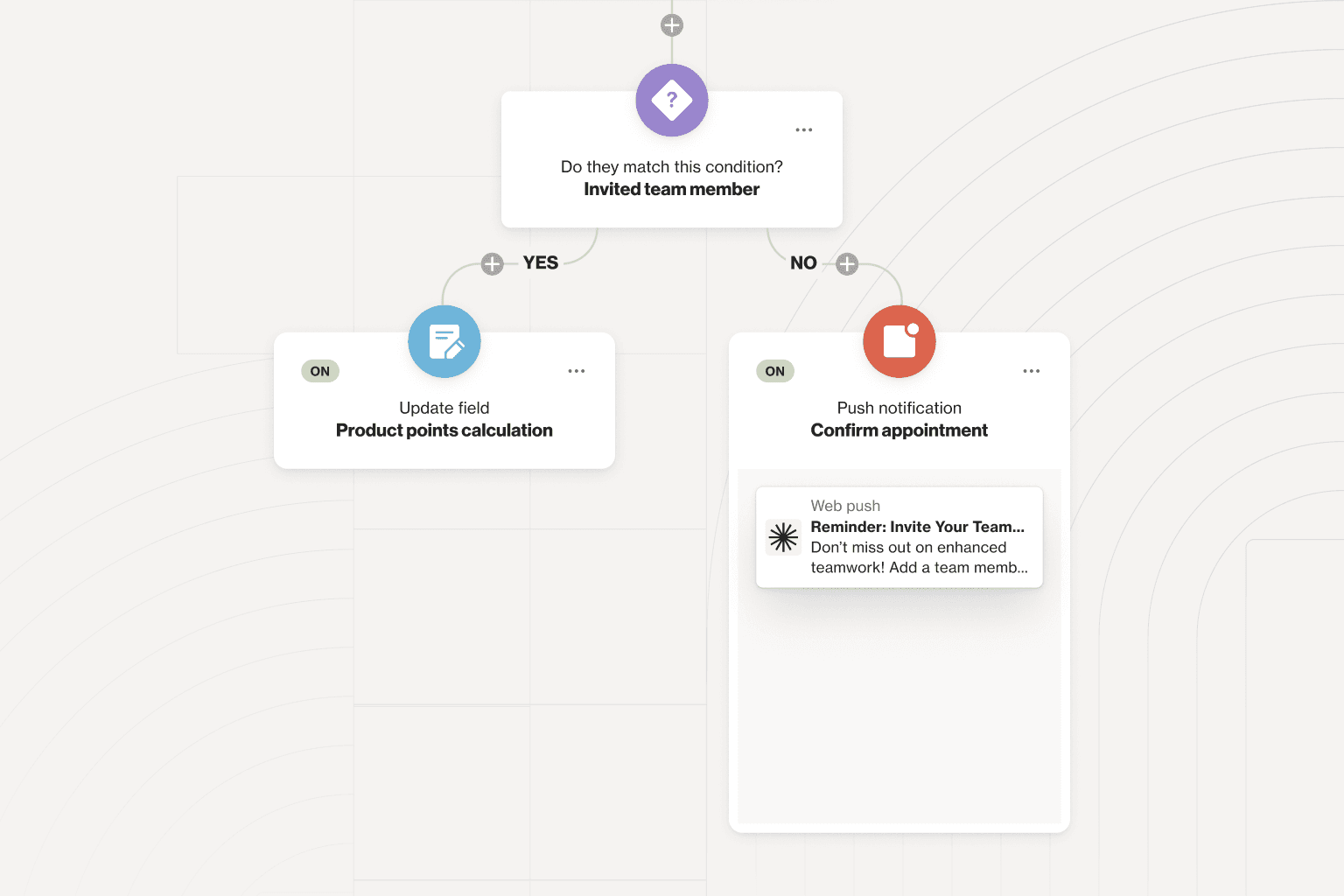
Journeys — you can now use the ‘update field’ action in a journey to perform calculations. This means you can automate processes like adding points to a loyalty card or adding whole integer values to a lead scoring model. Plus, the ‘archive contact’ journey action has now been updated to include the option of archiving and suppressing the contact’s email address.
Filters —you can now use large text fields in filters throughout Ortto when doing things like creating entry and exit criteria for a journey.
Facebook — you can now manually trigger a Facebook data backfill. Plus, if you change the data retention period, we will automatically backfill the extra data.
Shopify — if you are connecting Shopify as a data source, you can now choose what to do if a record already exists by selecting a merge key strategy.
New and noteworthy knowledge base articles:
Recurly activities and attributes — learn about the activities and attributes that are automatically added to your Ortto account when you connect Recurly as a data source.
Push notifications in Journeys — how to add a new or existing push notification in a journey.
How to trigger a custom activity via Zapier — you can trigger custom activities using a middleware tool like Zapier. This article guides you through the process.
Gmail’s promotion tab — this article explains the role of Gmail's promotions tab and how you can make tweaks to your email content to avoid it.
System activities overview — a detailed list of all system activities and their definitions.
Understanding SMS subscribes — this article explains different scenarios in which people can be unsubscribed from SMS communications and how they can be resubscribed.
What happens if you exceed your contact limit? — each plan includes a set number of contacts covered by your monthly subscription. This article explains what happens if you exceed that limit.
Retrieve contact activities via API — the get Ortto endpoint of the activities entity is used to retrieve data from one or more activities for a given contact in Ortto’s CDP. This article explains the request and response.