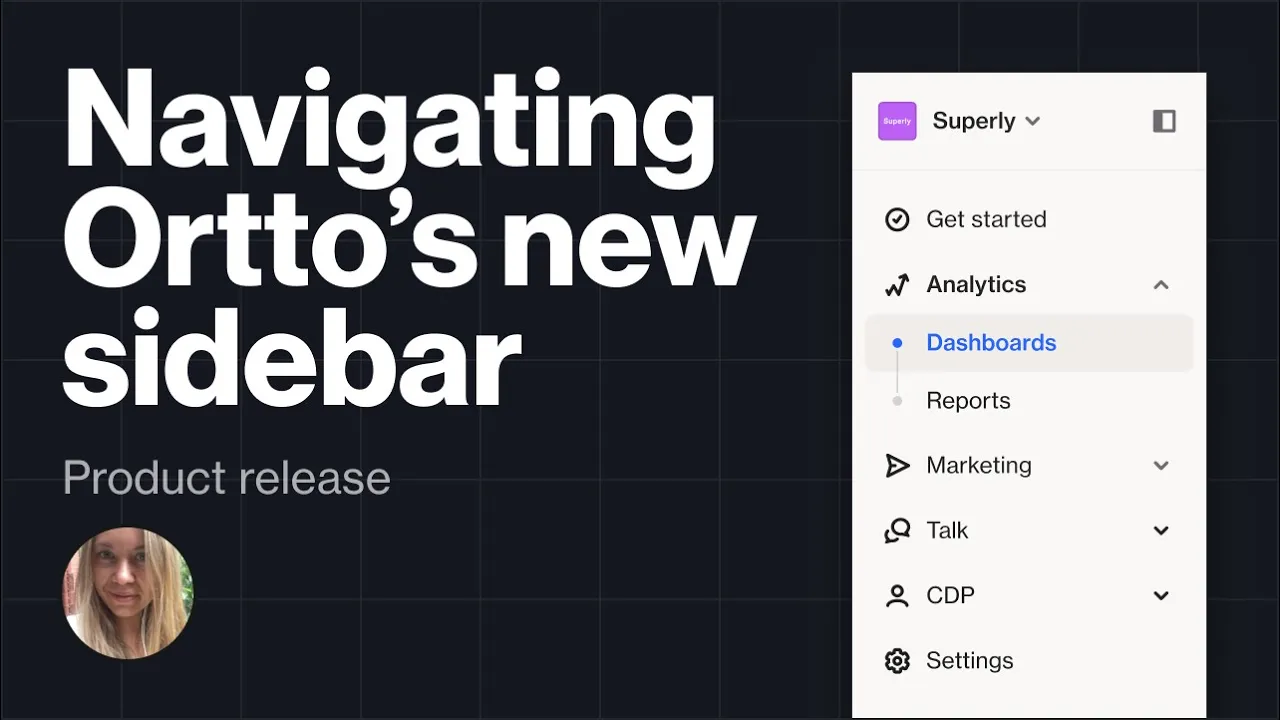
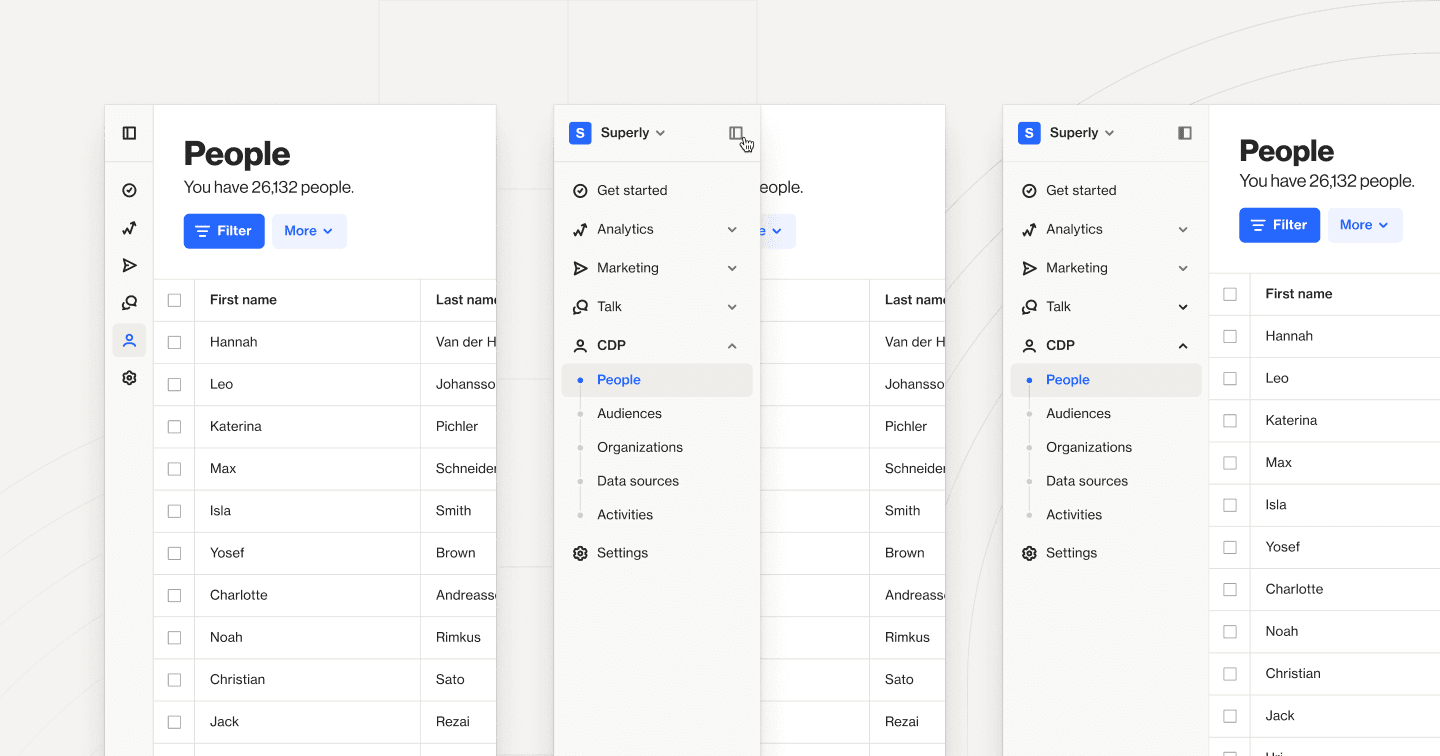
We’ve got a major update for you this month — a fresh new sidebar! This change brings a more logical grouping to features and settings, helping you to navigate the app more intuitively. In addition, we’ve shipped an update to our funnel reports, added new ways to filter your audience, and more.
Check out the full list below, and visit our changelog for a complete list of updates, improvements, and bug fixes.
Sidebar — our new sidebar design is now live. Watch the video below to learn more, or click here for an A-Z quick reference guide.
Funnel reports — you can now click any of the metrics on a funnel report to view the matching cohort of subscribers and add a tag to all users or export the list.
Email suppression list — we’ve added a new API field that lets you choose to skip creating a new contact if their email address already exists in the suppression list.
Capture — you can now create capture widgets with direct media downloads. For example, you can upload an eBook PDF which can be downloaded directly by a lead who completes the form on a capture widget.
Salesforce — use a merge tag to select which campaign to update in Salesforce ‘Change campaign status’ action. Plus, you can now search for field names when searching in the Salesforce mapping page.
Filters — we have two new filter options: build a filter with multiple values by typing the values separated by commas (e.g. First name is Homer, Marge, Bart, Lisa) and the ability to filter for people who have started, are in, or have left a campaign.
Knowledge base article updates:
SMS non-delivery and complaints — this new article shares common invalid SMS statuses and the reason behind them.
Behavior of delay shapes when journeys are turned off and on — Learn how delay shapes work when you turn a journey off and then back on.
Using capture widgets in journeys — this new collection of articles explains how to use a capture widget in your journey.
SMS custom domains — we've expanded on our article about SMS custom domains with a complete section detailing how to access, manage, modify, and delete SMS custom domains.